Your phone system usually stops being “good enough” at the worst possible moment. A lead calls after hours and reaches voicemail. A front-desk employee is out, and nobody catches the overflow. A hybrid sales rep tries to return a call from a personal device because the office PBX can't follow them outside the building. Then the business starts losing speed in dozens of small ways.
That's why the best cloud phone system isn't just a cheaper replacement for desk phones. It's the operating layer for inbound calls, routing, voicemail, analytics, remote access, and increasingly, AI-assisted handling for things like booking appointments and answering routine questions. Providers such as 8×8's cloud phone system overview describe the category as internet-based business calling with PBX features, auto-attendants, analytics, and remote management, without on-site hardware. The same market overview also places most plans in a broad range of $15 to $60 per user per month, with many SMBs clustering around $25 to $35.
That matters because the buying question has changed. It's no longer just “can this replace our phone lines?” It's “can this help us answer more calls, route them cleanly, support remote staff, and book the next appointment without adding operational drag?” The shortlist below gets to that quickly, with practical trade-offs instead of generic feature dumping.
1. Cloud Vision Technologies LLC
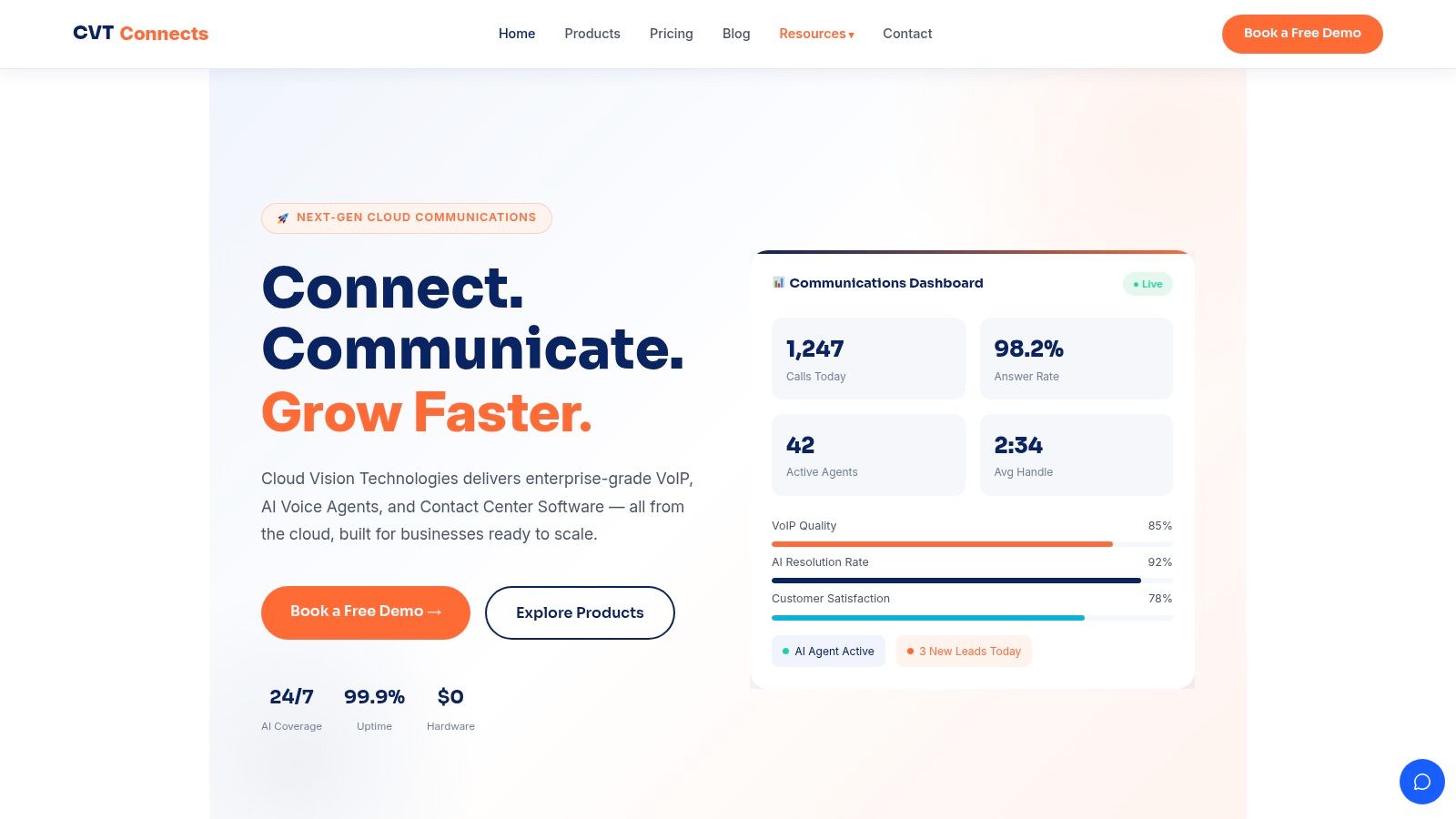
Cloud Vision Technologies LLC stands out because it doesn't treat business calling, AI reception, and contact center operations as separate projects. It bundles hosted VoIP, an AI Voice Agent, and cloud contact center tools into one platform, which is exactly what many growing businesses need once they move beyond a basic phone tree.
That consolidation is the main reason I'd put it first for teams that care about implementation speed and ROI. If you're replacing a legacy PBX, you usually want fewer vendors, fewer admin consoles, and fewer handoffs between “phone system,” “AI answering,” and “agent dashboard” tools. CVT is built around that idea.
Where It Solves Real Operational Problems
The strongest practical use case is inbound call coverage. CVT's AI Voice Agent can answer calls around the clock, handle FAQs, route callers, and book appointments before a prospect drifts to a competitor. For healthcare, dental, legal, and real estate teams, that's more useful than another collaboration widget because it protects the front door of the business.
It also fits high-volume teams that need more than extensions and voicemail. The platform includes contact center tools such as predictive and power dialers, campaign management, live coaching, and real-time dashboards, so operations leaders can manage call flow and agent performance in the same environment.
Practical rule: If your staff is juggling missed calls, after-hours coverage, and appointment booking across multiple tools, an integrated platform usually beats stitching together separate VoIP, receptionist, and contact center products.
What Works Well
A few strengths are especially relevant in day-to-day operations:
- Integrated call handling: Hosted VoIP, AI call answering, and contact center functions live in one stack, which reduces vendor sprawl.
- Appointment capture: The AI Voice Agent is designed to schedule appointments and pass context to live staff when needed.
- No on-premise hardware: That lowers the friction of moving off a legacy PBX and simplifies support for hybrid teams.
- Security and uptime posture: CVT states a 99.9% uptime guarantee and bank-grade security, which matters for regulated or call-sensitive environments.
- Fast deployment model: The platform is positioned for going live in days rather than dragging through a long hardware rollout.
Trade-Offs to Watch
The main drawback is pricing transparency. CVT doesn't publish standard package pricing on the website, so you'll need a sales conversation or a demo to model total cost.
The other trade-off is familiar to every cloud phone buyer. Performance still depends on internet stability, and teams adopting the deeper contact center features will need some onboarding discipline. That isn't a flaw unique to CVT, but it does affect rollout planning.
Businesses buying for front-desk replacement should ask one blunt question in the demo: “Can this system answer, qualify, and book an appointment without a human touching the call?” CVT is one of the few platforms in this list built to answer yes.
For SMBs and service businesses, that makes CVT one of the most complete answers to the best cloud phone system question in 2026.
2. RingCentral
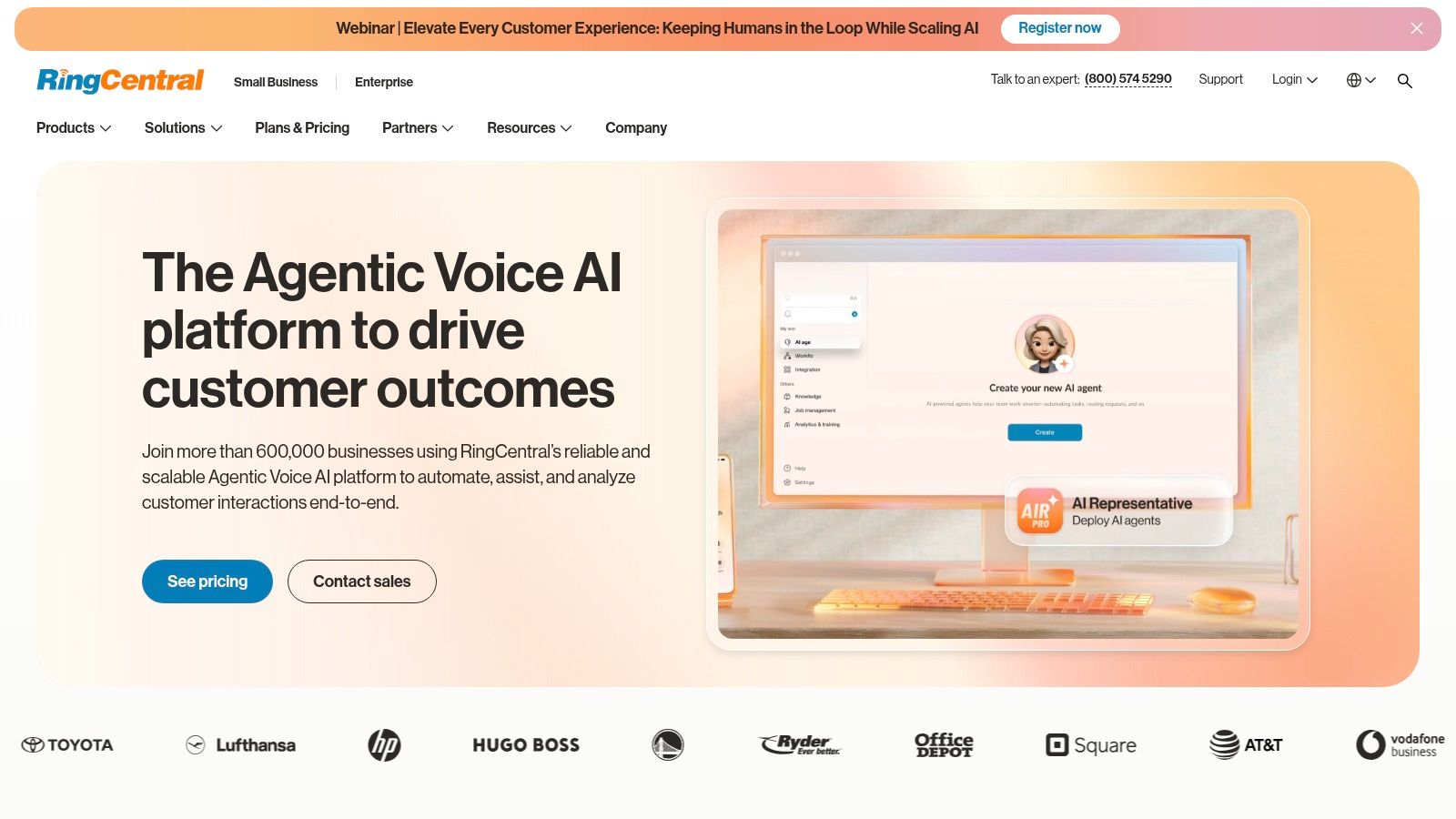
RingCentral is the mature all-in-one option for businesses that want calling, messaging, video, fax, and admin control in a single UCaaS environment. It's a strong fit for multi-site organizations that need more than a basic SMB phone app and expect the system to grow with them.
Its biggest advantage is breadth. RingCentral has the routing depth, analytics, and integration ecosystem to support more complex environments than lightweight phone-first tools.
Best Fit
RingCentral makes the most sense when the phone system needs to connect tightly with the rest of the business stack. If your team lives in Microsoft 365, Google, Salesforce, or Slack, RingCentral's marketplace and enterprise posture are attractive.
For smaller organizations, that breadth can be overkill. If you mainly need dependable calling, texting, and a way to capture leads or book appointments, a simpler platform may be easier to deploy and govern. Teams in that situation should also compare a more focused small business cloud VoIP approach before committing to a larger UC suite.
What You Gain and What You Trade
- Strong point: Broad UC coverage across phone, video, chat, SMS/MMS, and fax.
- Strong point: Good fit for organizations that need advanced IVR and multi-site administration.
- Strong point: Deep integration ecosystem.
- Trade-off: Configuration can get complex, especially for teams without an internal admin owner.
- Trade-off: Public pricing often isn't the full buying story, and many deals end up quote-based.
RingCentral is best when communications is part of a broader systems strategy. It's less appealing when the priority is simple deployment, straightforward budgeting, or AI-led front-desk automation.
3. Zoom Phone
Zoom Phone is the obvious candidate for companies that already run on Zoom. If your team spends most of the day in Zoom Meetings and Team Chat, adding calling inside the same interface reduces user friction immediately.
That simplicity is its core value. Users don't need to learn a second communications app, and admins don't need to explain why internal chat, meetings, and business calls all live in different places.
Where Zoom Phone Makes Sense
Zoom Phone works best for organizations that want clean call-to-meeting escalation and unified daily workflows. A rep can move from a phone call into a Zoom meeting without switching tools, which feels small until you see how often it happens in sales, account management, and support.
It's also a good option for buyers still weighing VoIP versus landline for small business. Zoom makes the transition approachable because the user experience feels familiar, even for teams that haven't managed a modern PBX before.
Practical Trade-Offs
Zoom Phone is less compelling when the phone system itself is the core operational engine. If you're running a busy clinic, legal intake desk, or support queue where every missed call matters and booking appointments is part of the call flow, you may outgrow its phone-centric depth faster than expected.
Choose Zoom Phone when user adoption matters more than telephony sophistication. Choose a more operations-focused platform when inbound call handling is the business-critical function.
It's a smart buy for Zoom-centric companies. It's not always the best cloud phone system for call-heavy environments that need more advanced routing, automation, or contact center management.
4. Dialpad Ai Voice
Dialpad Ai Voice is one of the clearest answers to the AI question shaping this category. Independent coverage of 2026 buying trends notes that vendors are increasingly judged on automation, transcription, summaries, and coaching rather than basic VoIP alone, as discussed in Retell AI's 2026 cloud phone roundup. Dialpad fits that shift well.
Its appeal is straightforward. You get embedded AI features in the daily calling workflow instead of treating them as a side add-on that only managers touch.
Why Teams Pick Dialpad
Dialpad is especially good for sales teams, support groups, and managers who coach from live conversations. Real-time transcription, post-call summaries, and live prompts help teams keep records cleaner and reduce manual note-taking.
It also has a relatively accessible admin experience, which matters for SMBs that want AI value without taking on a full enterprise telephony project. If your main goal is improving how calls are handled and documented, Dialpad is often easier to justify than a heavier suite.
A related category worth checking is the AI receptionist model, especially for businesses that want AI to do more than summarize calls. That matters when the goal is to answer inbound calls, qualify callers, and book appointments before a live employee gets involved.
Limits to Understand
- Best for: AI-assisted calling and coaching.
- Less ideal for: Organizations that need deep contact center tooling out of the gate.
- Watch for: Some analytics and integrations are stronger at higher tiers than at entry level.
Dialpad is one of the best cloud phone system choices when the buying team wants practical AI in daily use, not just a long PBX feature matrix.
5. Nextiva
A common buying scenario looks like this. The team has outgrown a basic phone setup, missed calls are starting to cost revenue, and nobody wants a six-month rollout just to get call routing, mobile apps, and reporting into decent shape. Nextiva is often shortlisted for that exact reason. It tends to fit organizations that want a unified communications platform that can be deployed without heavy telecom overhead.
Its value is less about novelty and more about execution. Nextiva combines voice, messaging, video, and customer communication tools in a package that is usually easier for SMBs to administer than larger enterprise-first systems. That matters for ROI. A platform for the core workflow and gets adopted quickly will usually outperform a more feature-dense option that staff avoids or admins struggle to maintain.
Where Nextiva Performs Best
Nextiva works well for companies that need reliable call handling first and broader customer communication second. Multi-location offices, professional services firms, healthcare practices, and service businesses often care more about uptime, routing logic, shared visibility, and mobile access than they do about advanced contact center customization on day one.
It is also a practical fit for buyers who want room to grow without rebuilding the stack a year later. Teams can start with business phone basics, then expand into messaging, video, customer experience features, and analytics as requirements become clearer. That phased approach usually lowers implementation risk and makes budget approval easier.
For decision-makers comparing ROI, this is the key trade-off: Nextiva is strong when the business case centers on standardization, fewer missed calls, simpler administration, and cleaner communication across departments. It is less compelling when the business case depends on highly specialized AI workflows or complex outbound operations.
Where It Can Fall Short
The limits show up in more demanding environments. If your operation depends on advanced queue design, deep contact center controls, aggressive sales dialing, or AI-driven inbound automation, you may outgrow the core value proposition and need add-ons or a different platform.
That does not make it a weak option. It means the fit has to be honest. Buyers should map the product to the actual problem they are solving: replacing an aging PBX, improving response times, supporting hybrid staff, or creating a better service workflow. If the project also includes strict compliance requirements, deep CRM process automation, or heavy coaching based on conversation intelligence, confirm those details during evaluation instead of assuming they are equally mature across every plan.
Nextiva earns a place on this list because it addresses the middle of the market well. For many SMBs, that is where the return shows up fastest. Lower admin burden, faster deployment, and dependable core telephony usually matter more than an oversized feature matrix.
6. GoTo Connect
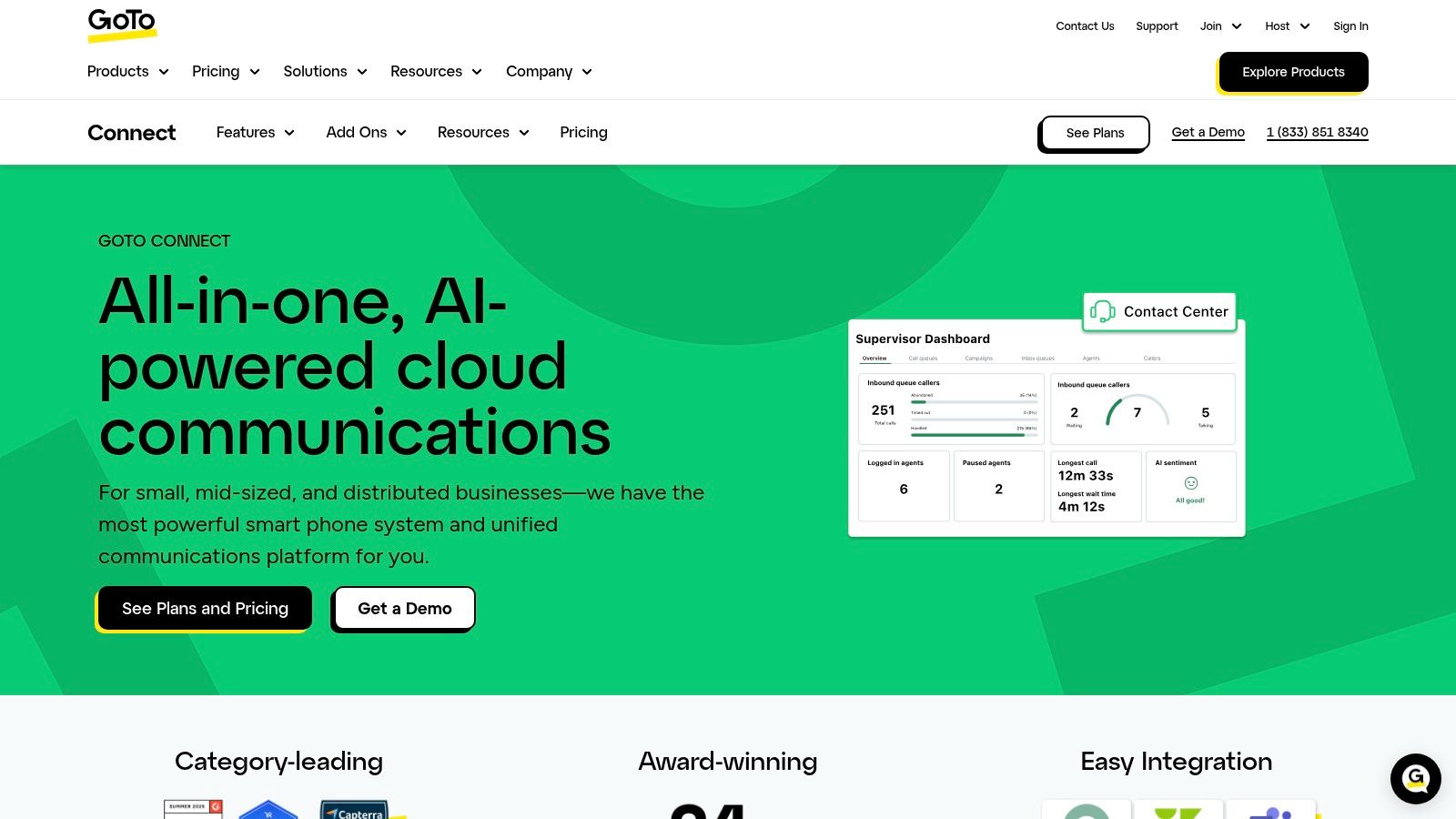
GoTo Connect is easy to like when you're thinking like an admin instead of a marketer. It offers a solid blend of cloud phone, video, messaging, and PBX depth, but its primary appeal is operational usability. Many SMBs need routing, ring groups, queues, and business-hour logic more than they need a flashy AI narrative.
That practical bias makes GoTo Connect a strong fit for offices with heavier inbound flow or more complicated call paths than a simple receptionist setup can handle.
Why Operations Teams Like It
GoTo Connect tends to work well for businesses that need reliable call structure without a painful administration experience. If multiple departments share numbers, if overflow needs to hit remote staff, or if coverage changes by time of day, this kind of PBX depth matters.
That's also where cloud buying has matured. Persistence Market Research's cloud telephony outlook projects the global cloud telephony service market to grow from US$26.8B in 2026 to US$48.4B by 2033 at an 8.8% CAGR. The same research summary also notes a Cloud Security Alliance-cited finding that 98% of organizations worldwide use cloud services. For buyers, that means cloud telephony is no longer a risky edge decision. It's standard infrastructure.
The Caution
GoTo Connect's challenge is budget clarity. Public pricing often leads toward sales conversations, and advanced CX functions sit beyond the base phone proposition. For some SMBs that's fine. For others, especially if they want clean ROI modeling before a demo, it slows the buying process.
GoTo Connect is a strong middle ground. More PBX muscle than lightweight SMB tools. Less intimidating than some enterprise UC stacks.
7. Vonage Business Communications
A typical Vonage buyer is replacing a patchwork setup. A front desk still relies on desk phones, managers want mobile access, and no one wants a disruptive cutover that interrupts customer calls. Vonage Business Communications fits that situation well because it supports a gradual migration instead of forcing every user into a softphone-first model on day one.
Vonage Business Communications is a practical choice for SMBs that want business calling, messaging, and video without a heavy procurement cycle. Published offers and self-serve buying can shorten the evaluation process, which matters if the goal is to model cost quickly and avoid weeks of vendor back-and-forth before a pilot even starts.
That matters for ROI. If a company can keep existing phone habits where needed, phase in mobile and desktop calling by team, and avoid a large retraining effort, time-to-value improves. For buyers comparing implementation risk as closely as feature depth, that is a real advantage.
Where Vonage Fits Well
Vonage makes sense for teams that need flexibility more than complexity. It works well for offices with a mix of desk-phone users, remote staff, and managers who need to answer business calls from mobile devices without rebuilding the whole phone environment at once.
It is also a reasonable option for buyers who want cleaner migration planning. In practice, cloud phone projects succeed or fail on rollout discipline. Number porting, user training, call flow cleanup, and device decisions usually matter more in the first 60 days than a long list of advanced features that may not be used.
Global coverage expectations also shape these evaluations. Buyers now expect international number availability and multi-location support to be part of the discussion across the category, not premium edge cases reserved for enterprise deployments.
The Main Trade-Offs
- Good fit: SMBs that want flexible device support, simpler purchasing, and a lower-friction move away from older phone setups.
- Less ideal: Teams that need deeper AI assistance, advanced contact center reporting, or more aggressive workflow automation from the start.
- Watch for: Promotional pricing can differ from longer-term costs, and some features may require higher tiers, so buyers should map required functions to the actual plan before signing.
Vonage is strongest when the buying priority is controlled modernization. It will not match the AI-first direction of newer platforms or the broader operational scope of tools designed around sales coaching or industry-specific compliance. For companies that want a phone system they can roll out in stages, with less user resistance and fewer implementation surprises, it remains a credible option.
Top 7 Cloud Phone Systems Comparison
| Solution | Implementation complexity | Resource requirements | Expected outcomes | Ideal use cases | Key advantages |
|---|---|---|---|---|---|
| Cloud Vision Technologies LLC | Moderate, fast deployments but needs integration/training | Low hardware; requires reliable internet and CRM setup | Consolidation of VoIP, AI agent and CC; high AI resolution (~92%); 99.9% uptime | SMBs, contact centers, healthcare, legal, real estate, sales teams | Integrated VoIP + always‑on AI agent + contact center; strong analytics and security |
| RingCentral (MVP/RingEX) | High, feature‑rich, more complex to configure for large deployments | Moderate‑high admin and integration effort; enterprise network needs | Enterprise‑grade UCaaS with deep routing, compliance and analytics | Multi‑site SMBs to global enterprises and regulated industries | Mature ecosystem and extensive integrations; highly scalable |
| Zoom Phone | Low‑moderate, easiest if already using Zoom; add‑ons for advanced PBX features | Low for Zoom shops; additional bundles increase resource needs | Seamless call→meeting escalation; integrated AI summaries and recordings | Organizations standardized on Zoom wanting unified calling and meetings | Native Zoom experience; integrated AI Companion and meeting escalation |
| Dialpad Ai Voice | Low, AI features included and simple admin experience | Low‑moderate; published pricing and 24/7 support on Pro and up | Real‑time transcripts, live coaching and post‑call summaries by default | SMBs and sales/support teams prioritizing embedded AI | Transparent SMB pricing and strong built‑in AI at base tiers |
| Nextiva | Low, simple onboarding and user‑friendly setup | Low; SMB‑focused support and basic CX add‑ons | Reliable business voice, unified inbox, competitive entry cost | SMBs needing phone service with light CX features | Strong customer support, competitive pricing, easy on‑ramp |
| GoTo Connect | Low‑moderate, straightforward admin with PBX depth | Moderate for higher call volumes; CX add‑ons available | Robust PBX with included meetings and optional CX dashboards | SMBs handling higher call volumes wanting PBX depth | Good PBX feature set, easy administration, included video meetings |
| Vonage Business Communications (VBC) | Low‑moderate, supports desk phones and legacy migrations | Low; clear published pricing though promotions may require terms | Clear pricing and migration path; core UC features with upgrade options | SMBs needing desk‑phone support and predictable pricing | Transparent pricing/promotions, flexible device support, CC upgrade path |
The Right System Is Waiting. What's Your Next Step?
The best cloud phone system depends less on brand recognition and more on operational fit. A small clinic that needs calls answered after hours and appointments booked has a different requirement than a distributed sales team that wants AI summaries and CRM logging. A law firm with strict routing needs and mobile staff has a different risk profile than a five-person startup replacing a couple of desk phones.
That's also why feature checklists can be misleading. Most serious platforms now cover the basics: calling over the internet, auto-attendants, voicemail, routing, analytics, mobile apps, and remote management. The more useful questions are practical ones. What happens when a call comes in after hours? Can the system book an appointment instead of dumping the caller into voicemail? How hard is number porting, admin setup, and staff training? Can your team trust it when remote employees are spread across devices and locations?
The broader category is mature enough now that buyers can expect cloud-first communications as the default, not the experiment. The unresolved differences are in implementation quality, AI usefulness, and how much complexity a team wants to manage. Some vendors are excellent if you already live in their ecosystem. Zoom Phone is a clear example. Some are strongest when coaching and conversation intelligence drive value, which is why Dialpad keeps coming up in AI-first shortlists. Others, such as RingCentral and GoTo Connect, are better when routing depth and broader UC administration matter more than simplicity.
For SMBs, healthcare practices, service businesses, and high-volume call teams that want one system to do more of the work, Cloud Vision Technologies is the most compelling option in this list. Its combination of hosted VoIP, AI Voice Agent, and contact center capabilities maps directly to real business pain points: missed inbound calls, fragmented tools, limited after-hours coverage, and manual appointment handling. It's one of the few platforms here that squarely addresses both communication infrastructure and front-end call execution.
The next move shouldn't be another round of reading comparison pages. It should be seeing the system handle your use case. Book an appointment for a live demo, walk through your call flows, and test the scenarios that affect revenue and customer experience. Ask how inbound calls are answered after hours. Ask how routing works when a team is remote. Ask how the platform handles booking appointments, call handoff, analytics, and admin control. That's where the right decision becomes obvious.
If you're replacing a legacy PBX, trying to stop missed inbound calls, or need a smarter way to handle appointment booking, book a demo with Cloud Vision Technologies LLC. A live walkthrough is the fastest way to see how hosted VoIP, an AI Voice Agent, and contact center tools can fit your workflow without adding hardware or vendor sprawl.