A missed call isn't a minor annoyance. It's a sales lead that books somewhere else, a patient who never schedules, or a client who decides your business is hard to reach. If you're still using an aging phone setup, or you've outgrown a basic virtual line, the problem usually isn't just call quality. It's routing, staffing, visibility, and what happens after hours when someone wants to book an appointment and nobody picks up.
That's why the best business phone service isn't just a dial tone anymore. It has to answer reliably, route calls cleanly, support remote staff, and help your team handle repetitive work like appointment booking without adding headcount. The shift is already well underway. U.S. businesses added over 35 million VoIP lines between 2010 and 2018, reaching 41.6 million total, and one industry summary estimates about 31% of businesses now use VoIP phone systems, with average cloud VoIP pricing around $25 to $35 per user per month and estimated savings of 30% to 50% versus older setups, according to Intelecom's VoIP business phone system statistics.
The bigger issue is responsiveness. One business phone study reports that only 37.8% of inbound calls are answered, while 37.8% go to voicemail and 24.3% receive no response at all. The same research says phone calls drive 69% of business inquiries, and 77% of customers expect to reach someone immediately, based on AMBS Call Center's business phone statistics. If you run a practice, a service business, or a sales team, those numbers explain why call routing, auto-attendants, and appointment booking automation matter so much.
Here are the business phone services worth shortlisting.
1. Cloud Vision Technologies LLC
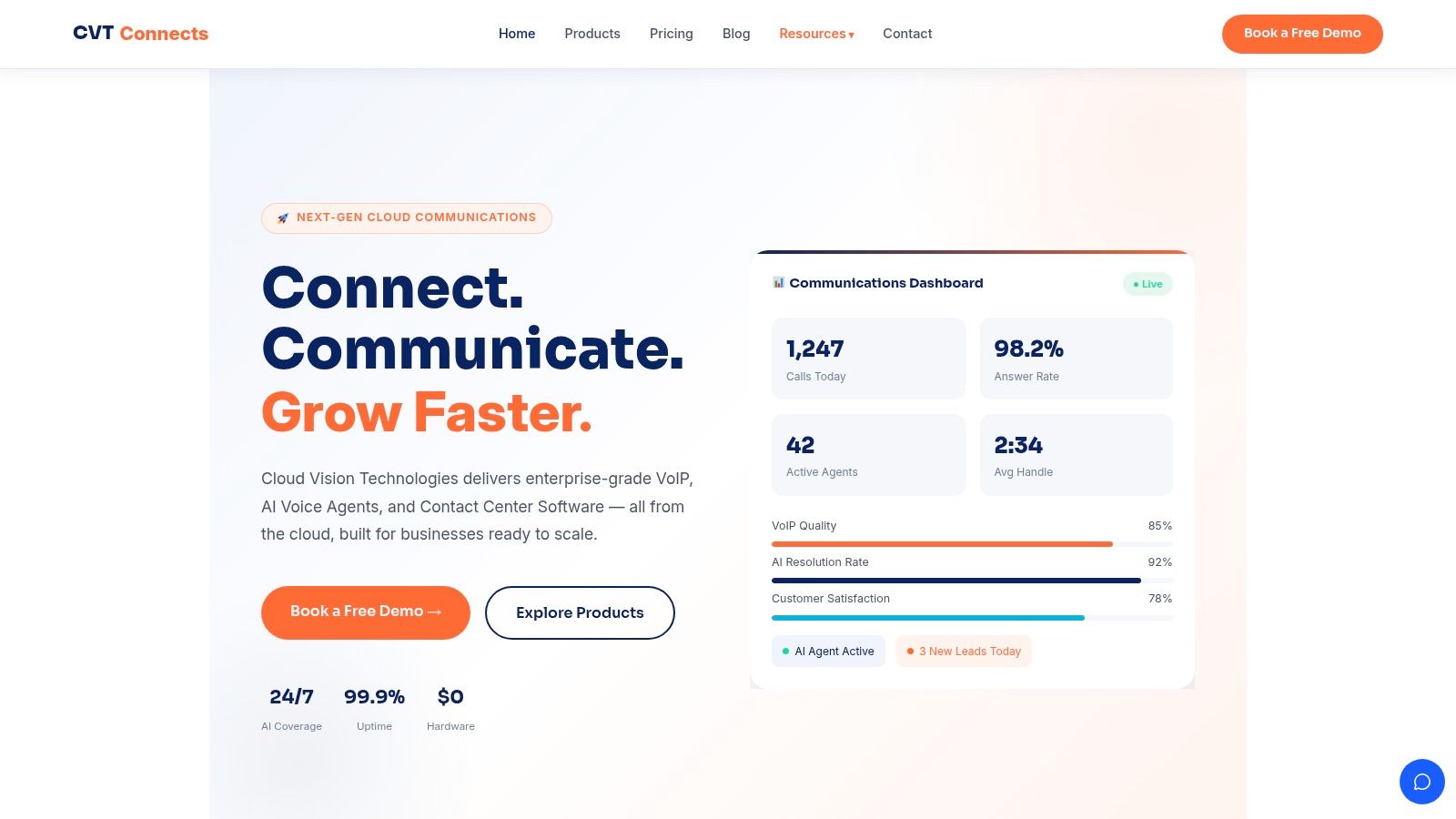
Cloud Vision Technologies LLC stands out because it doesn't treat voice as a standalone utility. It combines hosted VoIP, an AI Voice Agent, and cloud contact center software in one stack. For a business owner, that matters because the overall cost of a phone system often comes from stitching together separate tools for calling, after-hours coverage, analytics, and appointment booking.
This is the strongest fit in this list for teams that need more than basic inbound calling. Healthcare offices, dental practices, legal teams, property management, home services, and sales organizations all run into the same operational bottleneck. Calls come in unevenly, staff get pulled away, and simple tasks like booking appointments or answering routine questions consume the day.
Why It Works in Real Operations
Cloud Vision Technologies is built for replacing legacy systems without dragging hardware into the project. You can run it across desk phones, desktops, and mobile devices, which is what most companies need once remote and hybrid work become permanent. The platform also includes unlimited U.S. and Canada calling, dedicated support, bank-grade encryption, and a 99.9% uptime guarantee based on the company's product materials.
What makes it different is the AI Voice Agent. It handles inbound calls around the clock, answers FAQs, integrates with CRMs, and can schedule appointments before a live employee ever gets involved. That's practical value, not novelty.
Practical rule: If your front desk or sales desk spends large blocks of time repeating the same answers and trying to catch missed callers, you don't need more voicemail. You need a system that can book the appointment and hand off only the calls that require a person.
If you're comparing total cost, the VoIP savings calculator from Cloud Vision Technologies is useful because it frames the decision around replacement economics, not just subscription price.
Where It Fits Best
Cloud Vision Technologies makes the most sense for businesses that want one vendor for phone service, AI answering, and contact center capability. That's especially valuable when missed calls hurt revenue directly, or when appointment booking needs to happen after hours.
A few practical trade-offs:
- Best for growth: Small and midsized businesses can start with core VoIP, then add AI call handling or contact center features without changing platforms.
- Best for busy inbound teams: Auto-handling, intelligent routing, and appointment booking support reduce pressure on reception and support staff.
- Best for outbound teams too: Predictive and power dialers, coaching tools, dashboards, and campaign management are relevant if your phone system also drives sales activity.
- Watch the buying process: Pricing isn't published publicly, so you'll need to request a demo and quote.
- Watch your network: Like any cloud-native phone platform, call quality depends on internet stability and clean deployment.
For businesses that want the best business phone service as an operational system, not just a phone replacement, this is one of the strongest options on the market.
2. RingCentral MVP
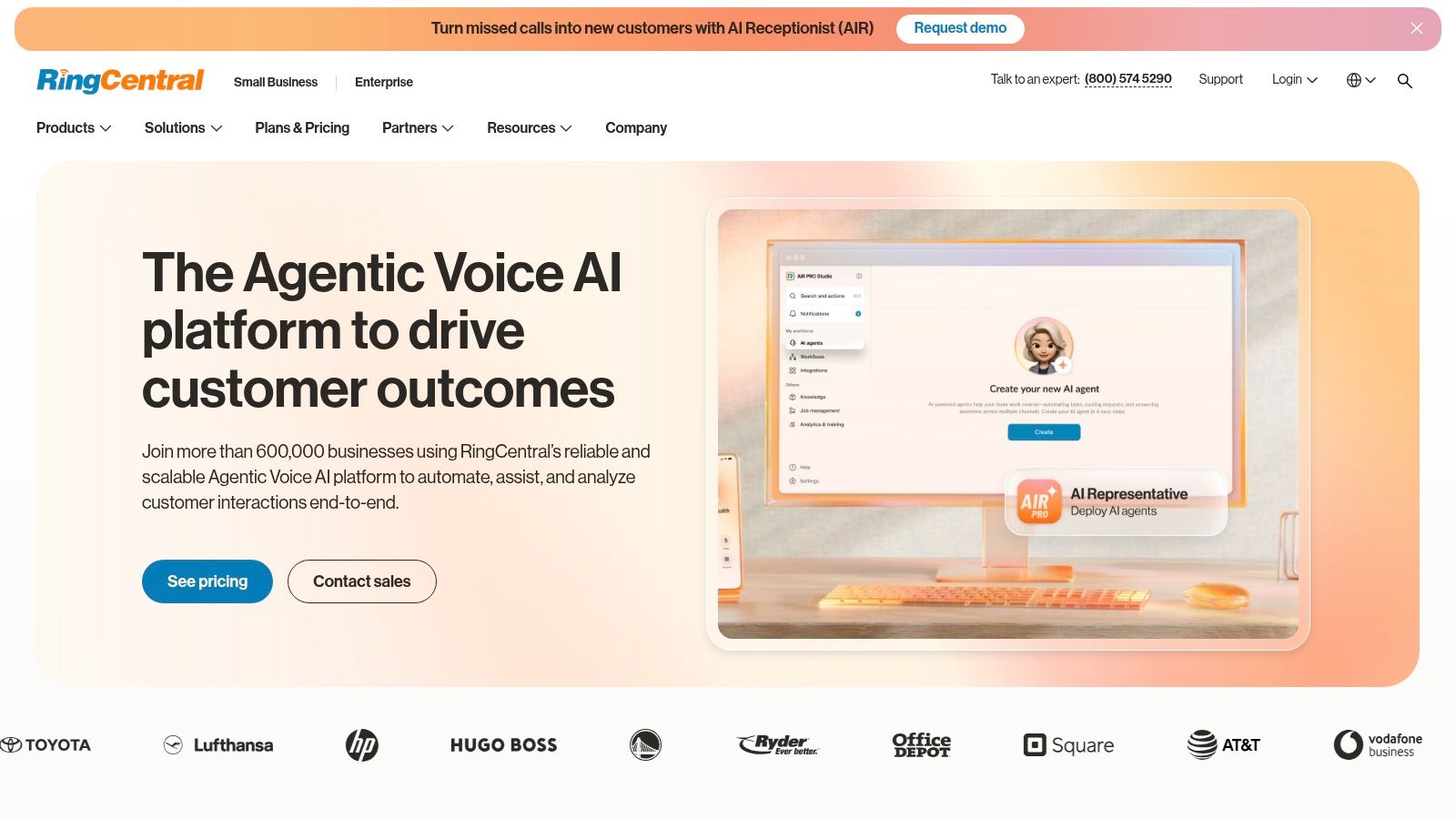
RingCentral MVP is the safe shortlist choice when you want broad capability and don't want to outgrow the system quickly. It's a mature cloud PBX with messaging and video in one app, plus a large integration ecosystem that works well for companies already tied into Salesforce or Microsoft 365.
What RingCentral does well is admin control. Multi-site businesses, teams with different departments, and companies with more formal call flows usually appreciate that depth. You can build auto-attendants, queues, routing logic, analytics views, and user roles without feeling boxed in by an SMB-only product.
Best for Structured Teams
This isn't the simplest product in the list, and that's the trade-off. RingCentral gives you room to build a more sophisticated system, but somebody still has to own setup and administration. If you want a provider you can hand to a very small office manager and forget about, there are easier options.
It's a better fit when you need:
- Deeper controls: Good for organizations with departments, sites, and permission layers.
- Broader integrations: Useful if your phone system needs to connect into CRM and productivity tools.
- Unified communications: Calling, messaging, and video live in one environment.
RingCentral is often a strong operational fit for companies that have outgrown entry-level VoIP but aren't ready to move into a more customized contact center project.
The caution is commercial, not technical. List pricing can be hard to evaluate cleanly, and discounts often require talking to sales. If appointment booking is central to your workflow, also confirm whether you'll need another tool or integration to automate that process rather than assuming the phone platform alone will handle it.
3. Zoom Phone
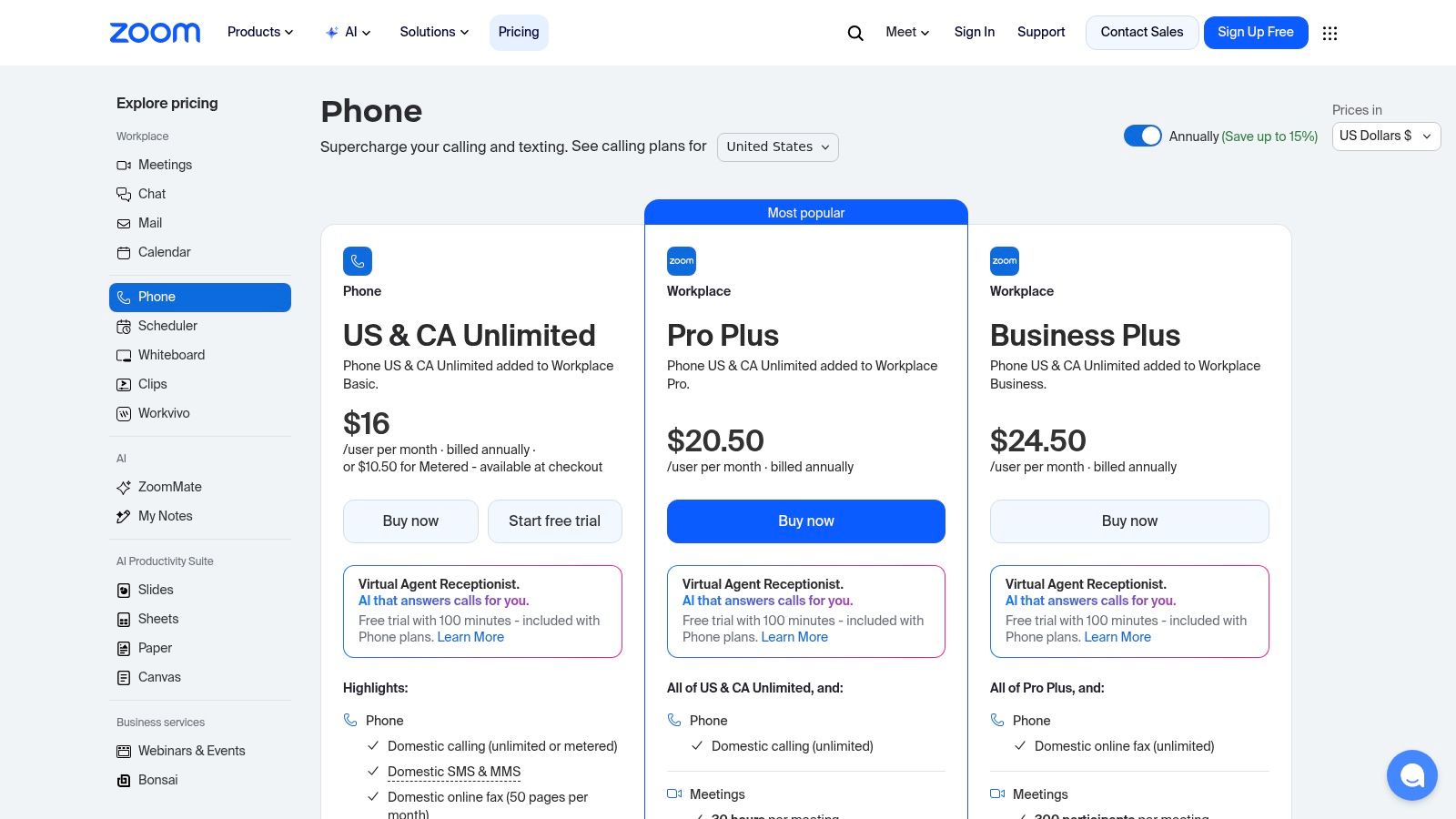
If your company already lives inside Zoom for meetings, Zoom Phone deserves a serious look. Adoption tends to be smoother when the phone system is built into a platform your staff already knows. That matters more than many buyers realize. A tool that's easy to use gets used correctly. A tool that confuses staff creates missed transfers, poor routing, and bad customer experiences.
Zoom Phone gives you cloud PBX features, call queues, auto-attendants, SMS/MMS, and multi-device support inside the same app your team already uses for meetings and chat. For startups, remote teams, and service firms with light internal IT support, that simplicity is its main strength.
Where Zoom Phone Makes Sense
Zoom Phone is especially practical when you don't want another communications app to train on. It keeps meetings, chat, and telephony close together, which reduces friction for everyday users.
A few buying notes:
- Good fit for Zoom-first companies: Training overhead stays low.
- Flexible plans: Metered and unlimited domestic options can work for different call patterns.
- Clean user experience: Staff usually understand it quickly.
The main caution is to verify current packaging before you sign. Plan names and pricing can shift, and businesses sometimes assume Zoom Phone includes every advanced function they'll eventually need. If your front desk relies heavily on appointment booking, overflow routing, or after-hours automation, validate those workflows in a live demo rather than buying on brand familiarity alone.
4. Microsoft Teams Phone
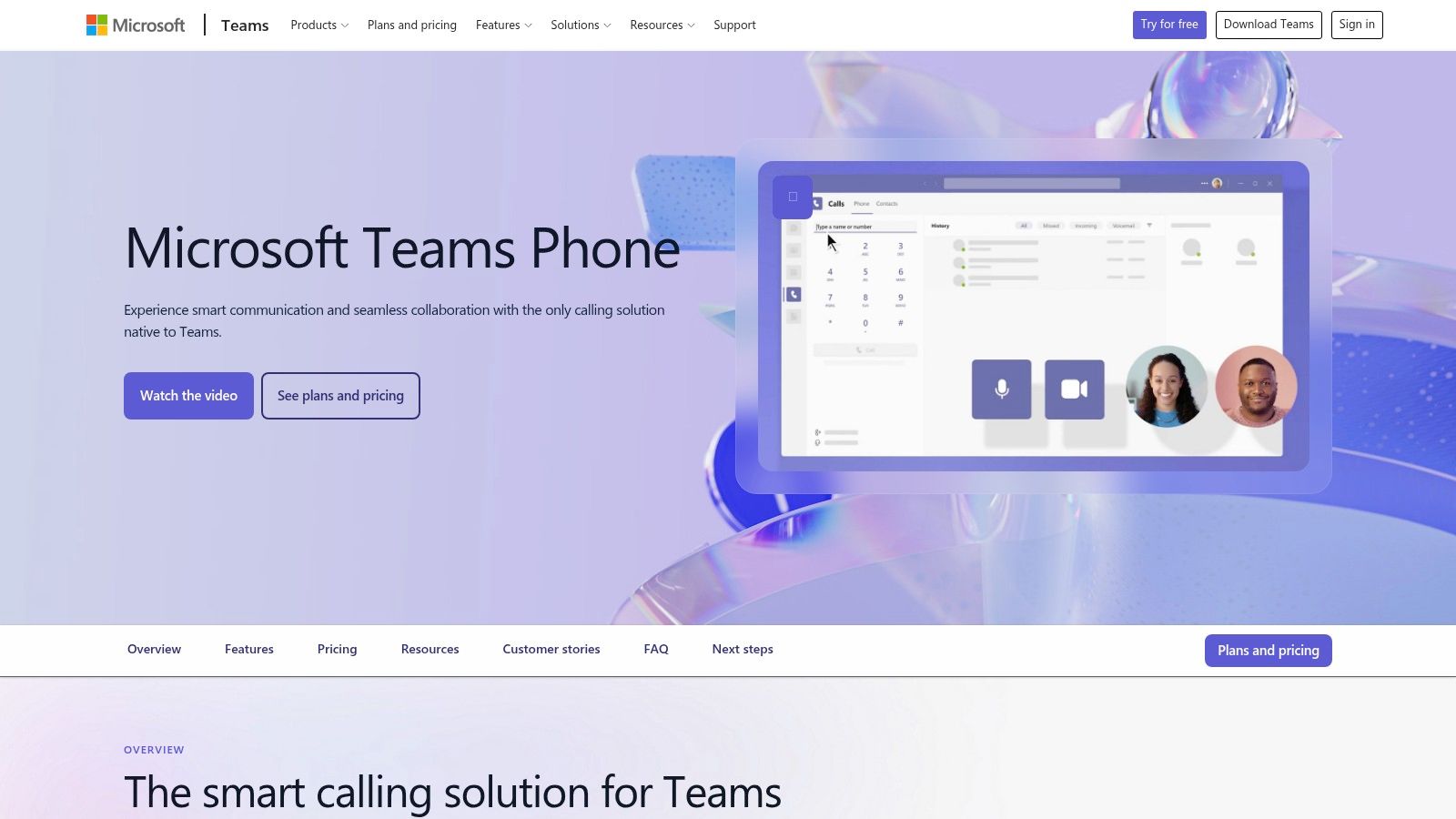
Microsoft Teams Phone is often the right answer for companies that are already deep in Microsoft 365. If your users spend the day in Teams, Outlook, SharePoint, and Entra-based identity controls, adding phone service inside that environment can be operationally clean.
The strength here isn't novelty. It's consolidation. Teams Phone lets you keep PBX functions such as voicemail, call queues, and auto-attendants inside a platform your users already open every day. For larger organizations, the security, identity, and administrative alignment with Microsoft is a major reason to choose it.
The Main Trade-Off
Teams Phone isn't hard because the product is weak. It's hard because there are multiple PSTN connectivity paths, and that means more design decisions. Calling Plans, Operator Connect, and Direct Routing can each make sense depending on your environment.
That flexibility is powerful, but it also means smaller businesses can overcomplicate the project.
- Best for Microsoft-centric environments: Strong match for businesses standardized on Microsoft 365.
- Best for compliance-heavy setups: Alignment with Microsoft admin and security controls helps.
- Less ideal for casual buyers: Someone needs to understand the connectivity options.
Independent market research projects the global VoIP services market at USD 160.8 billion in 2025 and USD 340.2 billion by 2032, growing at an 11.3% CAGR, with SIP trunking holding about 47.5% share in 2025, according to Persistence Market Research's VoIP services market forecast. That matters here because Teams Phone buyers often end up evaluating SIP and routing decisions more directly than buyers on simpler hosted platforms.
If your business wants straightforward appointment booking automation without much telecom design work, another platform may get there faster.
5. Dialpad Ai Voice
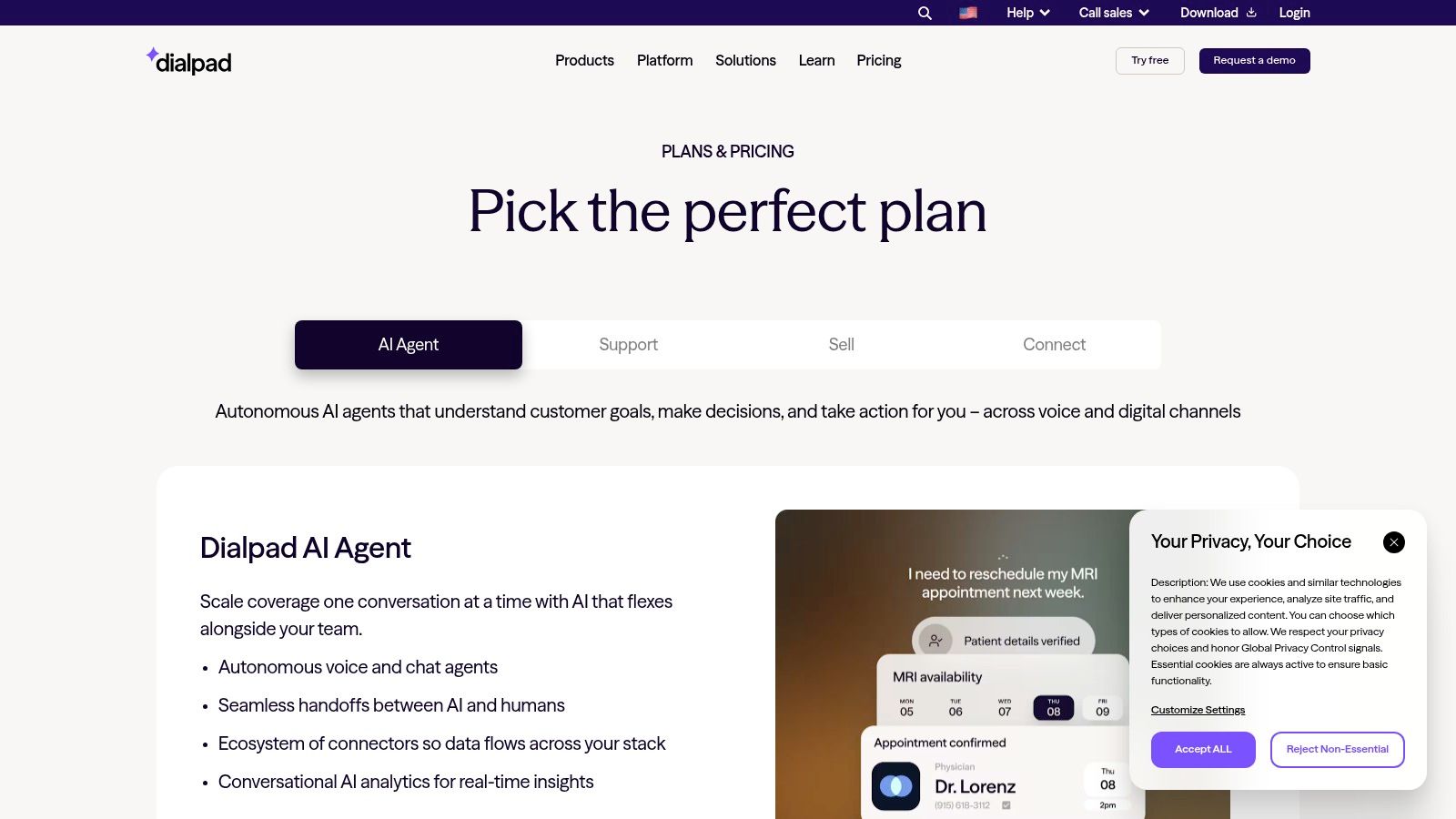
Dialpad Ai Voice is a strong option for teams that want built-in AI assistance without buying a full contact center platform on day one. The product leans heavily into real-time transcription, call summaries, and searchable conversation data. For small sales teams, support desks, and service businesses, that can improve follow-up discipline fast.
The biggest practical advantage is speed. Dialpad is usually easy to roll out, the apps are modern, and users adapt quickly. If your current issue is that staff forget call details, don't log next steps, or miss simple opportunities to schedule a booking appointment during a conversation, the native summaries help.
Strong for Small Teams That Want AI Fast
Dialpad makes sense when you want voice intelligence built into the phone system rather than layered on later. That's useful for managers coaching staff and for teams handling repeatable inbound calls.
If your priority is front-desk style automation, compare it against a dedicated AI receptionist workflow rather than assuming transcription alone solves the missed-call problem.
What to watch:
- Great for searchable call history: Helpful for sales and support follow-up.
- Good deployment speed: Minimal friction for small teams.
- Less ideal for complex environments: Advanced CRM integrations and broader multi-site needs may push you to higher tiers.
Dialpad is one of the better choices if you want an AI-forward business phone service without making the entire purchase about enterprise complexity. It's less compelling if your primary need is full appointment booking automation after hours.
6. Nextiva
Nextiva has long been a practical recommendation for SMBs because it usually balances capability with approachable onboarding. That matters for owners who need a reliable phone platform but don't have a telecom specialist on staff. Calling, texting, meetings, routing, analytics, and optional contact center expansion all sit under one vendor.
Where Nextiva often wins is usability. Businesses moving off legacy systems tend to care less about cutting-edge features and more about whether reception, sales, and support can use the system without drama. Nextiva generally fits that requirement well.
Where Nextiva Is Strong
There's a resilience angle worth noting here. One market guide highlights 99.999% uptime and geo-disaster recovery as a selling point, while another buyer-oriented guide emphasizes features like call forwarding, mobile apps, call queues, and analytics but doesn't go deep on outage tolerance, according to Nextiva's business phone plan guide. That's important because many comparisons underweight continuity.
The best business phone service for many SMBs isn't the one with the longest feature checklist. It's the one that keeps calls moving when the office internet fails, a location closes unexpectedly, or staff need to answer from mobile devices.
Nextiva is a sensible fit for:
- Growing SMBs: Enough depth without requiring a heavy IT project.
- Support-minded buyers: The platform is generally packaged for mainstream business use.
- Businesses replacing older systems: Easier transition than some enterprise-first tools.
If appointment booking is part of your inbound workflow, ask how you'll handle after-hours scheduling, overflow, and CRM handoff before you sign.
7. 8×8 Work (XCaaS)
8×8 Work is a good fit for distributed organizations that want one vendor for phone, video, chat, and a path into contact center capabilities later. That “later” point matters. Plenty of businesses don't need a contact center on day one, but they do need to know they won't have to replace the whole phone stack when support volume grows.
8×8 tends to appeal to mid-market teams and organizations with multiple offices or international needs. It also has a native Microsoft Teams integration path, which can be useful when the business wants to preserve Teams workflows while improving calling options.
Best for Businesses Planning Ahead
The main reason to shortlist 8×8 is architectural flexibility. It gives companies room to expand without immediately overbuying every advanced feature.
If your roadmap includes larger support queues, outbound sales groups, or centralized service operations, it's worth exploring the cloud contact center approach as part of the evaluation so you don't separate today's phone decision from tomorrow's service model.
A few practical realities:
- Strong for distributed teams: Unified platform, remote-friendly use case.
- Strong for future contact center growth: Easier expansion path than many basic VoIP tools.
- Less transparent commercially: Public list pricing is limited, so expect a sales-led quote.
If you just need a few users, straightforward routing, and simple appointment booking, 8×8 may be more platform than you need.
8. Vonage Business Communications (VBC)
Vonage Business Communications works well for SMBs that want a recognizable cloud phone platform and may later care about API-driven customization. That's the clearest reason to consider it. You can start with standard business calling, messaging, and meetings, then add more specialized workflows if the business grows into them.
Its mobile and desktop experience is generally serviceable for day-to-day business communication. For small teams that want to get off legacy phone lines without committing to a bigger all-in-one communications project, Vonage can be a reasonable middle-ground option.
Good If You Want Flexibility Later
Vonage is often more attractive when you value optionality. If you think you may want custom workflows, developer tools, or CPaaS-related expansion later, that road is there.
The trade-off is that add-ons matter. Some businesses buy Vonage assuming the base package covers everything, then discover advanced handling, analytics, or integrations require extra thought and potentially extra cost.
- Good starting point for SMBs: Easier to start smaller than some enterprise tools.
- Appealing for mobile-heavy teams: Apps are a meaningful part of the experience.
- Review the agreement carefully: Seat-band pricing and annual terms deserve a close read.
For businesses where appointment booking, call overflow, and departmental routing are core revenue workflows, make sure those functions are native enough for your team rather than relying on a future customization plan.
9. GoTo Connect
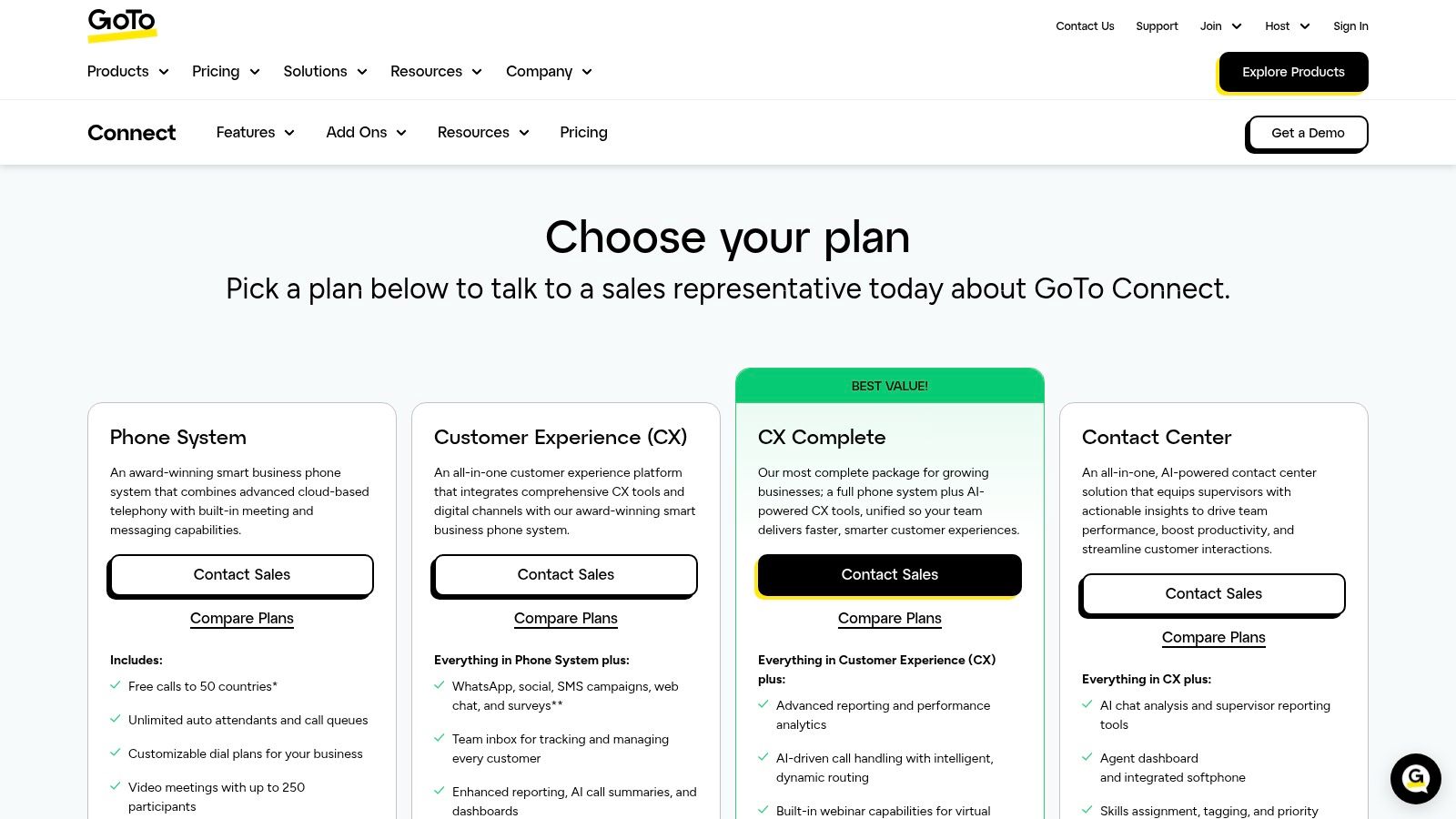
GoTo Connect is one of the easier systems to hand to a non-technical buyer. If you run a small or midsized business and want a phone platform that doesn't require a telecom background to manage, that simplicity is a real advantage.
The visual dial plan editor is the practical highlight. For businesses that need to route calls by department, time of day, or staff availability, visual tools are easier to maintain than buried admin menus. This is especially helpful for service businesses that need clean front-desk handling and straightforward appointment booking flows.
Best for Simpler Admin
GoTo Connect is strongest when the buyer values ease of setup and ease of ongoing changes. That makes it a realistic choice for offices where the person managing the phone system also has five other jobs.
It can also work for businesses that may add entry-level contact center functionality later, but the main selling point is cleaner administration.
If you know your routing needs will change often, choose the provider your team can actually edit without opening a support ticket every time business hours or call flows change.
The caution is pricing transparency. Like several platforms in this category, final cost often depends on term length, user count, and add-ons. If your team needs advanced reporting, deeper coaching tools, or robust after-hours appointment booking automation, verify those capabilities in detail.
10. Ooma Office
Ooma Office is the most straightforward option in this list for very small businesses that want predictable billing and minimal setup hassle. If you run a professional services firm, a small office, or a local practice with modest call complexity, Ooma is easy to understand and easy to deploy.
That simplicity is valuable. Plenty of businesses don't need enterprise analytics, omnichannel routing, or outbound campaign tools. They need a clean virtual receptionist, ring groups, call logs, and a system employees won't fight with.
Best for Small Offices and Predictable Needs
Ooma is strongest when your requirements are stable and fairly basic. It's a good fit for teams that want a business phone identity without turning communications into a systems project.
A few practical takeaways:
- Easy to budget: Transparent tiers and no long-term contracts required.
- Easy to launch: Hardware-optional setup keeps the barrier low.
- Not built for large-scale complexity: Advanced contact center and enterprise workflows are limited.
If you need the best business phone service for a small office that mainly wants reliable calling and basic front-desk professionalism, Ooma is a sensible pick. If your growth plan includes more automation, richer analytics, or AI-driven appointment booking, you may outgrow it.
Top 10 Business Phone Service Comparison
| Solution | Core features | Key benefits / Unique selling points | Target audience | Reliability & Security | Pricing & deployment |
|---|---|---|---|---|---|
| Cloud Vision Technologies LLC (recommended) | Hosted VoIP (Cloud PBX), always‑on AI Voice Agent, omnichannel Contact Center | Single hardware‑free stack; 24/7 AI call handling & CRM handoffs; predictive/power dialers; fast ROI tools | SMBs, BPOs, high‑volume sales/support, healthcare, legal, finance | 99.9% uptime guarantee; bank‑grade encryption & compliance | Custom quotes via demo; no on‑prem hardware; deploy in days |
| RingCentral MVP | Cloud PBX, messaging, video, IVR, recording, 300+ integrations | Mature UCaaS feature set; deep admin controls; large integration ecosystem | SMBs to enterprises, multi‑site orgs | Proven enterprise reliability | List pricing can be opaque; sales often needed for discounts |
| Zoom Phone | Cloud PBX integrated with Zoom meetings, SMS/MMS, multi‑device | One‑app meetings/chat/telephony; easy adoption for Zoom users | Teams standardized on Zoom; SMBs seeking simple UI | Modern apps; seamless meetings handoff | Metered & unlimited domestic plans; pricing can change |
| Microsoft Teams Phone | PBX inside Teams; calling plans, Operator Connect, Direct Routing | Deep Microsoft 365 integration; centralized identity & admin | Microsoft 365 organizations, enterprises | Enterprise compliance & admin tooling | Multiple PSTN options and bundles; setup choices add complexity |
| Dialpad Ai Voice | Real‑time transcription, AI summaries, analytics, apps | Built‑in voice intelligence; AI on lower tiers; quick deployment | Small sales/support teams wanting voice AI | Modern cloud apps; searchable call data | Unlimited US/CA on business plans; advanced features may need higher tiers |
| Nextiva | VoIP calling, business texting, video, auto‑attendant, analytics | SMB‑focused packaging; strong onboarding & US‑centric support | Small to mid‑sized businesses | Reliable support and scaling for SMBs | Clear tiers but promos/renewal pricing vary; verify terms |
| 8×8 Work (XCaaS) | Phone, video, chat, global calling; optional contact center | Broad unified feature set; native Teams integration option | Distributed teams, mid‑market & enterprise | Established mid‑market/enterprise deployments | Quotes usually via sales; pricing depends on plan and term |
| Vonage Business Communications (VBC) | Auto‑attendants, queues, messaging, meetings; optional APIs | Flexible add‑ons and CPaaS path; strong mobile apps | SMBs wanting extensibility or developer APIs | Mature reliability; mobile‑first apps | Seat‑band pricing; termination fees possible on annual terms |
| GoTo Connect | VoIP, meetings, messaging, visual dial plan, SMS | Simple admin for non‑IT buyers; optional contact center upgrade | SMBs seeking easy setup and remote work features | Straightforward deployment for small teams | Sales‑driven pricing; confirm seat minimums and total cost |
| Ooma Office | Cloud PBX, virtual receptionist, ring groups, apps | Predictable billing; simple tiering; hardware optional | Small offices, professional services, micro‑businesses | Easy to set up; fewer enterprise features | Transparent tiers; no long‑term contracts required |
How to Choose and Deploy Your New Phone Service
Choosing the best business phone service comes down to operational fit. Don't buy a platform because the feature grid looks impressive. Buy the one that solves your current call-handling problem and still makes sense a year from now.
For many SMBs, common issues are predictable. Calls go unanswered during lunch, after hours, or when the front desk gets busy. Sales inquiries sit in voicemail. Staff manually repeat the same answers. Appointment booking depends too heavily on one employee being available at the exact right time. A modern phone system should reduce those points of failure, not just move them into a prettier app.
Best Service by Business Type
Cloud Vision Technologies is the strongest all-in-one option here for SMBs, healthcare practices, dental offices, and sales teams that need more than basic calling. It combines hosted VoIP, AI call handling, contact center capability, and appointment booking support in one environment. If your business loses revenue when calls aren't answered, this type of integrated platform is usually the right direction.
Microsoft Teams Phone is the natural fit for organizations already standardized on Microsoft 365. It keeps phone service inside a platform employees already use and gives IT teams tighter control over identity, policy, and administration. The trade-off is setup complexity, especially around connectivity choices.
Ooma Office and Dialpad are the easiest recommendations for smaller teams that want fast deployment without a long telecom project. Ooma is better when simplicity and predictable billing matter most. Dialpad is better when you want modern apps and built-in AI support for conversations.
Your Migration Checklist
Before you switch, audit how your business uses the phone.
- Audit your call flows: Count users, extensions, departments, peak calling windows, and must-have functions such as call recording, SMS, CRM sync, and appointment booking.
- Check your network: Cloud calling works well, but only if your internet connection is stable and properly configured.
- Plan number porting early: Porting is routine, but it still needs coordination. Don't wait until the week of launch.
- Map after-hours handling: Decide whether calls should route to voicemail, mobile staff, an answering workflow, or AI-assisted appointment booking.
- Train your team before cutover: Staff need to know transfers, parking, voicemail, mobile usage, and what to do when a customer wants to book an appointment immediately.
What Works and What Usually Fails
What works is a phased rollout. Keep the design simple, test the call routing with real scenarios, and involve the people who answer phones every day. They'll spot the broken menu option or the bad overflow logic faster than anyone in procurement.
What fails is overbuying and underplanning. Businesses sign long agreements for feature-heavy systems, then never configure the parts that would've improved response time. Or they ignore resilience. If your internet drops, your office closes, or a regional issue affects your primary location, your phone service should still let customers reach somebody.
The best final step is simple. Shortlist two or three providers and book a live demo with each one. Ask them to show your exact workflow, not a generic product tour. Show them how calls come in, where they go, how your team handles overflow, and how someone can complete appointment booking without getting stuck in voicemail. If a provider can't demonstrate that cleanly, keep looking.
Ready to validate one in real conditions? Consider booking an appointment for a free demo so you can see how the system handles routing, mobile continuity, and automated booking before you commit.
If you want a business phone system that does more than ring, Cloud Vision Technologies LLC is worth a close look. It brings hosted VoIP, AI call handling, contact center tools, and appointment booking support into one platform, which is exactly what many growing businesses need when they're replacing legacy phones and trying to stop missed calls from turning into missed revenue.