Don't Just Take a Message. Book an Appointment.
A missed call doesn't have to become a dead end. Too many businesses still use a generic voicemail that says some version of "please leave a message," then hope a staff member calls back before the prospect books elsewhere. That's where good intentions lose revenue.
A strong business voicemail greeting script should act like a front door, not a notepad. It should tell callers they've reached the right place, give them a fast path to help, and, whenever possible, move them toward booking an appointment instead of waiting in limbo. That's especially important now that modern phone systems can route calls, offer alternate contact methods, and hand routine requests to automation instead of letting every inquiry pile up in one inbox.
The practical standard is brief and focused. One industry guide says inbound greetings should stay in the 15 to 30 second range, or roughly 30 to 75 words at a conversational pace, because the script has to identify the business, set a callback expectation, and give the caller a next step quickly, as noted in Prospeo's business voicemail timing guidance.
Below are seven business voicemail greeting script examples that work in practice, especially if you want voicemail to route inquiries intelligently, reduce admin drag, and book appointments instead of just collecting messages.
1. Professional Standard Greeting with Call Routing Options
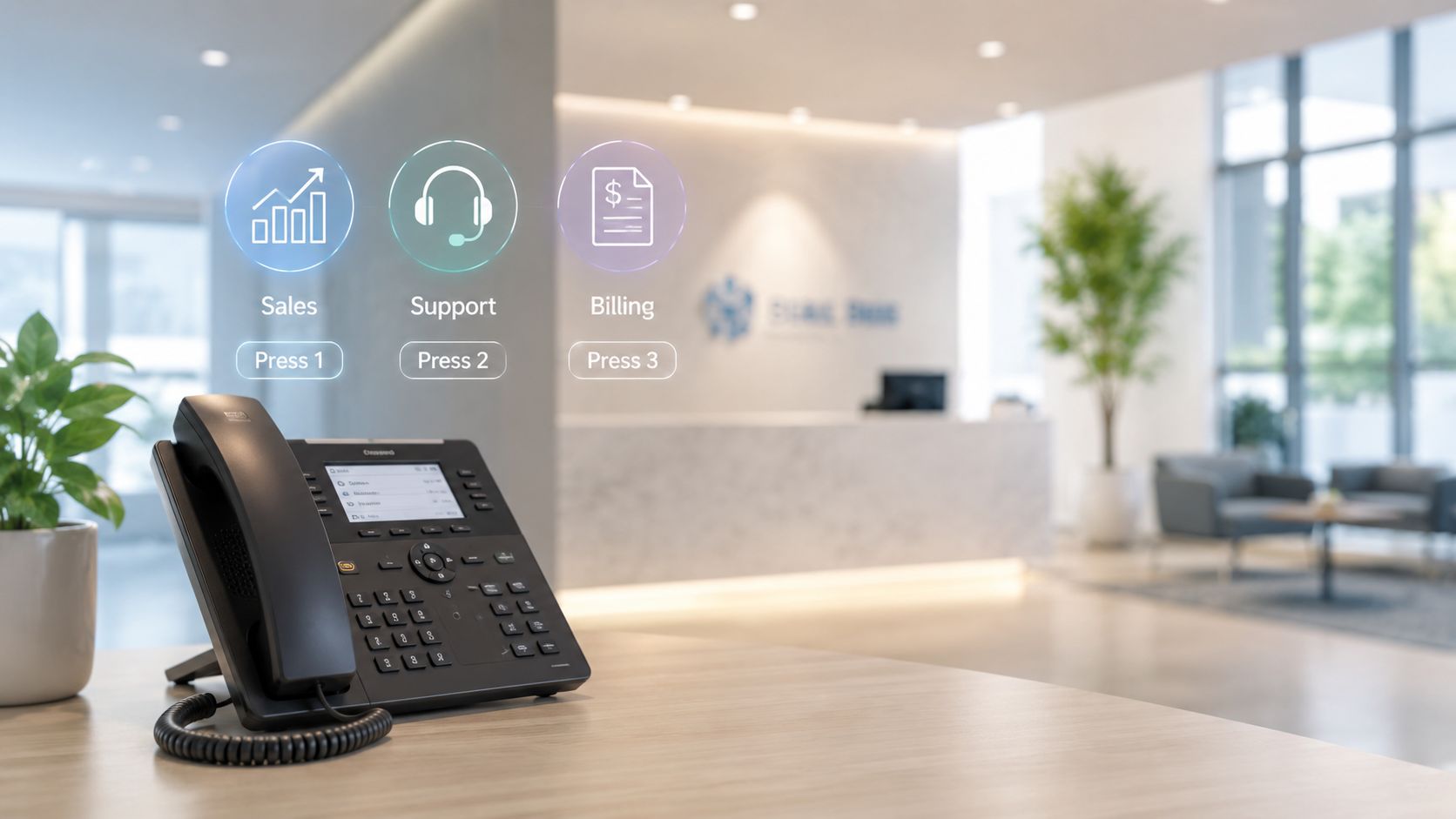
If your main number handles sales, support, billing, and appointment requests, a single mailbox greeting usually creates more confusion than convenience. A routed greeting works better because it screens intent before the caller leaves a message.
Use this when your business has multiple functions and you don't want every missed call landing in the same queue. It fits well with a cloud phone setup or a cloud contact center platform that can direct callers to the right team.
Script example
"Thank you for calling Cloud Vision Technologies. You've reached our main line, and our team is assisting other callers right now. If you're calling about new service or to book an appointment, press 1 for Sales. For technical support, press 2. For billing, press 3. If you'd prefer to leave a message, please state your name, phone number, company, and the reason for your call, and include the best time to reach you. We'll return your call as soon as possible."
This style sounds corporate, but it works because it gives structure. RingCentral notes that modern business greetings commonly include the company name, a return-time promise, and sometimes an alternate contact method or routing instruction, reflecting how voicemail has shifted into a broader call-routing tool, as described in RingCentral's guide to business voicemail greetings.
What works and what doesn't
- Works well for shared lines: Callers self-sort before they leave a message, which saves staff from triaging basic routing errors.
- Works well for appointment-driven teams: Sales and scheduling requests can move to a booking path instead of waiting in a general mailbox.
- Doesn't work for tiny teams: If one person handles everything, menu options can make the business sound bigger but less accessible.
- Doesn't work with stale menus: If extensions, departments, or hours change, this script gets outdated fast.
Practical rule: If a caller has to listen twice just to figure out how to book an appointment, your menu is too complicated.
2. AI-Powered 24/7 Appointment Scheduling Voicemail
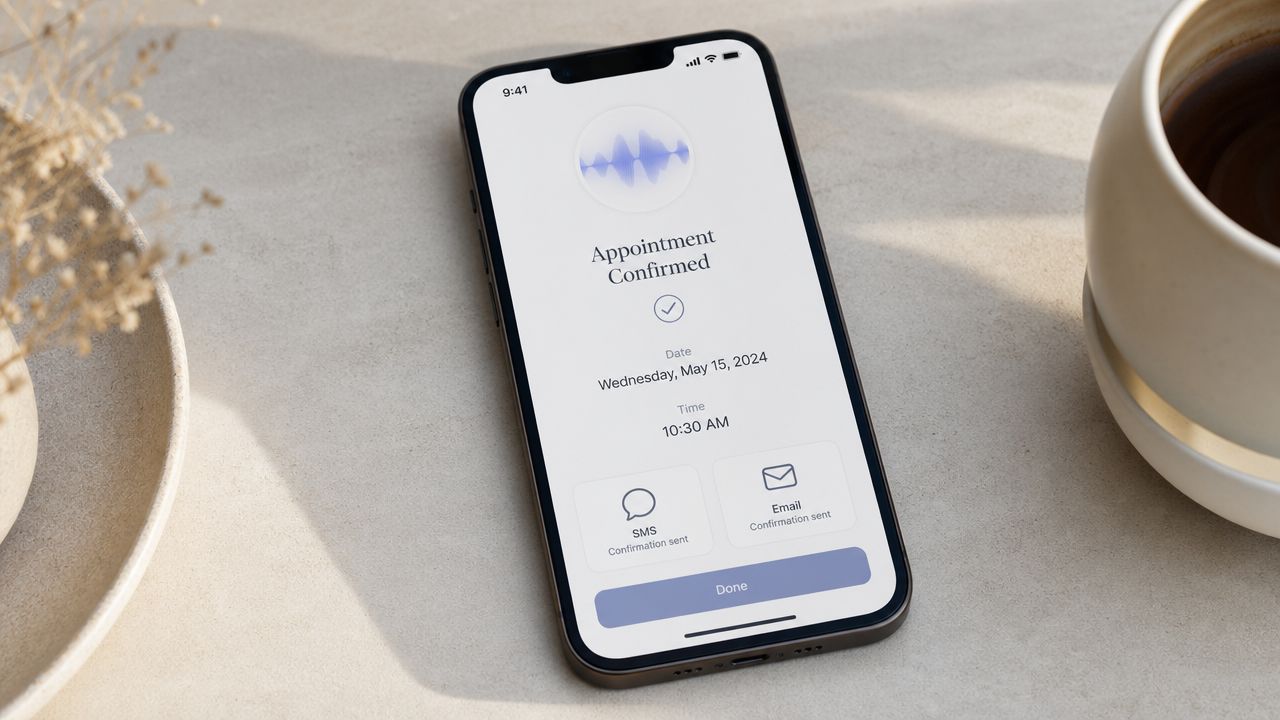
A caller reaches your office at 8:40 p.m. They are ready to book, not just leave their name and wait for a callback tomorrow. If your voicemail only takes messages, you force a high-intent lead into delay. For appointment-based businesses, that delay often turns into a no-show inquiry, a missed consultation, or a booking that lands with a competitor first.
A better script turns voicemail into a scheduling channel. With an AI receptionist for appointment handling, the greeting can collect intent, capture the details your team needs, and start the booking process any time of day. That changes voicemail from a dead end into part of your front desk operation.
Script example
"Thank you for calling BrightCare Dental. We're assisting other patients right now. To book an appointment, reschedule a visit, or request the next available opening, please say your request after the tone and our automated assistant will help begin scheduling. If you need a call back from the front desk, leave your name, phone number, whether you're a new or existing patient, and the best time to reach you."
This script works because it gives the caller a job to do. It does not ask for a vague message. It asks for booking intent, status, and callback details in a logical order. That small change improves scheduling accuracy and cuts the back-and-forth that clogs mornings for reception teams.
There is a trade-off. Appointment automation handles routine requests well, but unusual insurance questions, urgent clinical concerns, and edge-case scheduling still need staff review. Good voicemail design acknowledges that reality. It offers progress now and a human follow-up path when the request falls outside the script.
Keep the greeting tight, as noted earlier. The goal is to get callers into action before attention drops.
The best appointment voicemail starts the intake process and gets more callers onto the calendar.
3. Multi-Language Support Voicemail Greeting
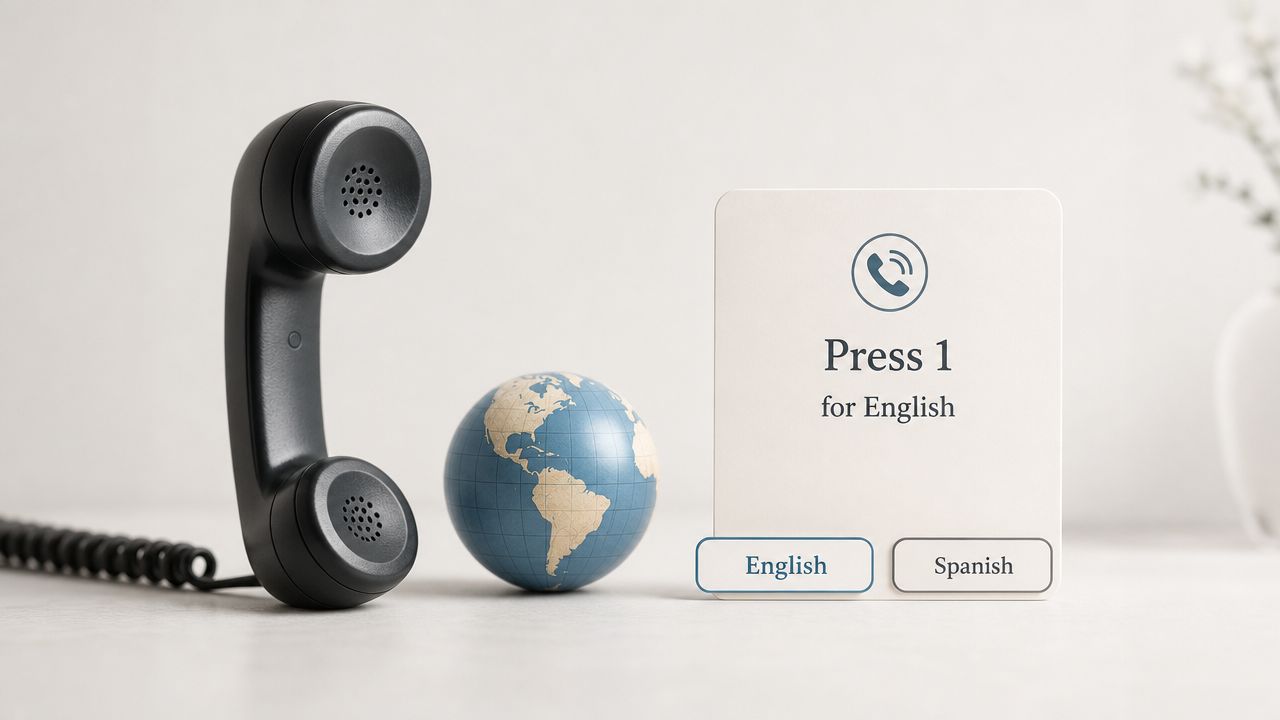
If your callers speak more than one primary language, a one-language voicemail inadvertently filters out people you could have served. That's a customer experience problem before it's a marketing problem.
A multilingual greeting doesn't need to be elaborate. It needs to be clear, fast, and mirrored across languages so callers hear the same business rules, scheduling options, and expectations no matter which path they choose.
Script example
"Thank you for calling Horizon Home Services. For English, please stay on the line. Para español, oprima dos. If you're calling to book an appointment for service, please have your address and preferred appointment time ready. If you leave a message, include your name, phone number, service address, and the issue you're calling about."
This is especially effective for home services, clinics, and community-facing businesses where scheduling accuracy matters. If the caller can state the problem and preferred appointment window in their strongest language, your team starts with better information.
Where this script wins
- Better comprehension: Callers don't have to guess what information to leave.
- Better scheduling quality: Appointment requests come in with fewer missing details.
- Better brand signal: The business sounds prepared, not merely polite.
The downside is maintenance. Every time you change office hours, service areas, backup contacts, or booking instructions, you need to update every language version. If one language says "book an appointment online" and another doesn't, you create inconsistent service without meaning to.
A practical fix is to keep the opening language menu short, then move detailed instructions into the selected language path. That keeps the top-level greeting lean while still supporting appointment booking and proper routing.
4. Emergency or High-Priority Callback Request Voicemail
Some businesses can't treat every voicemail equally. A burst pipe, a time-sensitive legal issue, a service outage, or an urgent patient concern needs a different path than a routine inquiry.
The mistake I see most often is vague urgency language. If you tell callers to say whether it's "important," many of them will. Your script should define what qualifies and what happens next.
Script example
"Thank you for calling NorthPoint Property Services. We're unavailable right now. If you're calling to book a standard service appointment, please leave your name, address, phone number, and the service you need. If you're reporting an urgent issue such as active water damage, loss of access, or a critical system outage, please state 'urgent' at the start of your message and briefly describe the issue so our on-call team can prioritize your callback. For all other matters, leave your name, number, and reason for calling."
That script works because it separates urgent from routine without inviting chaos. It also protects your staff from sorting every message manually.
The real trade-off
Urgent-flag voicemail is useful only if your operations can support it. If no one monitors the queue, the greeting creates a promise your business can't keep.
Several business-communications sources converge on a practical benchmark of 15 to 30 seconds because that window usually covers identification, availability, and what to leave without increasing abandonment risk, and some also recommend testing alternate versions and tracking how often callers leave messages, according to HeyRosie's guidance on business voicemail greetings.
Operational advice: Never offer a high-priority option unless you have a real escalation path behind it.
5. Personalized Individual or Department Voicemail Greeting
A personal voicemail still has a place, especially in sales, real estate, legal services, consulting, and specialty care. If the caller knows your name, they usually want reassurance that they've reached the right person and a clear path to keep moving, ideally toward a booked appointment or consultation.
Generic department greetings can feel safer, but they often waste relationship equity. A personalized message can preserve that trust while still steering the caller toward action.
Script example
"Hi, you've reached Melissa Carter, client advisor at Summit Wealth Planning. I'm unavailable right now, but I'd be glad to help. If you're calling to book an appointment or review meeting, please leave your name, phone number, and your preferred day and time. If this is time-sensitive and you need immediate assistance, please contact our main office and the team will route your request. Otherwise, I'll return your call as soon as possible."
This style works because it balances warmth and structure. The caller hears a real person, a real role, and a practical next step.
Best use cases
- Sales reps: The caller may be responding to outreach and wants to talk to the same person.
- Advisors and consultants: Consultation requests feel more natural when attached to a named professional.
- Small specialist teams: Individual reputation often drives the call.
The risk is inconsistency. One team member sounds polished, another rambles, and a third forgets to mention appointment booking at all. Fix that with a standard framework for every personal greeting: name, role, reason for unavailability, appointment option, callback expectation, and backup path.
6. Hybrid Human-AI Handoff Voicemail Script
A prospect calls at 7:12 p.m. They are ready to book, but no one is at the desk. A standard voicemail turns that moment into a delayed callback. A hybrid human-AI greeting can turn it into a scheduled appointment, a qualified intake, or a routed request before the caller hangs up.
That is the key advantage of this format. It treats voicemail as part of your operating system, not just an overflow mailbox. AI handles the predictable work fast: booking, collecting the right details, answering routine questions, and sending clean context to your team. Staff step in where judgment matters most, such as nuanced cases, upset callers, or requests with legal, financial, or medical implications.
Script example
"Thank you for calling Evergreen Legal Support. Our automated assistant can help you schedule a consultation, leave the details for a general service question, or route your request to the right team. Please say your reason for calling after the tone. If your matter is complex or you would prefer a human response, leave your name, phone number, and a brief description, and we will follow up during business hours."
This script works because it gives callers two useful paths right away. One path creates speed. The other preserves human judgment. Done well, the handoff also carries the caller's information into your CRM or ticketing workflow, which cuts down on repeated explanations and gives staff a better starting point.
There is a trade-off. If the AI path is too broad, callers get stuck in a vague prompt and abandon the call. If the human path is too passive, your team gets long, messy messages with no booking intent and no routing data. The greeting has to set boundaries clearly: what the assistant can do now, what requires a person, and what information the caller should leave.
If you are evaluating whether this kind of call flow improves staffing efficiency as well as customer response time, a VoIP savings calculator for business phone operations can help frame the cost side.
What makes this better than a plain voicemail
A plain voicemail stores demand. A hybrid greeting processes it.
That shift matters for sales, service, and scheduling. A new lead can book instead of waiting. A current client can state the issue in a structured way and reach the right queue faster. Your team gets fewer low-value callbacks and more conversations that are ready to move.
Outside guidance on business greetings often focuses on brevity, but the stronger standard is clarity. The greeting should tell callers what can happen now, who handles the next step, and how quickly they should expect a response. That practical expectation-setting is also reflected in Vitel Global's advice on modern voicemail expectations.
A short greeting with no routing logic still creates friction.
7. Compliance-Focused and Recording-Acknowledgment Voicemail Script
In regulated industries, a voicemail greeting isn't just a branding asset. It's part of your risk posture. Healthcare, finance, legal, and insurance teams need scripts that are clear enough for callers and restrained enough for compliance.
This is also where many businesses overdo the legal language. If the script sounds like a disclaimer first and a service experience second, callers tune out. Keep it plain.
Script example
"Thank you for calling Harbor Medical Billing. We can't take your call right now. Please note that calls to this line may be recorded and handled according to our privacy practices. If you're calling to book an appointment or request a billing review, leave your name, phone number, and a brief reason for your call. Please don't include sensitive personal or medical details in your message. A member of our team will return your call as soon as possible. If you need another way to reach us, please visit our website for secure contact options."
If you're modernizing a compliance-heavy phone environment and want to evaluate the business case alongside call-flow changes, a VoIP savings calculator can help frame the operational side.
Where businesses get this wrong
- Too much legal jargon: Callers stop listening before they hear the actual next step.
- No instruction on sensitive data: People leave details they shouldn't.
- No booking path: Routine appointment requests get buried under administrative messages.
- No alternate secure channel: Sensitive issues shouldn't always sit in voicemail.
A compliance-aware script should still behave like a good business voicemail greeting script. It should identify the business, direct callers toward booking appointments when appropriate, and offer a safer channel for anything that shouldn't be left in a recorded message.
7-Point Business Voicemail Greeting Comparison
A missed call can do one of two jobs. It can collect a vague message for someone to sort out later, or it can move the caller toward the right next step right away. That difference is what separates a basic voicemail greeting from a working business tool.
The comparison below is useful when choosing between low-lift voicemail setups and more advanced systems that can route calls, qualify urgency, and book appointments without staff involvement. The trade-off is straightforward. The more active the workflow, the more setup and oversight it requires. The payoff is better caller handling, less administrative cleanup, and in many businesses, more booked revenue.
| Voicemail Type | Implementation complexity | Resource requirements | Expected outcomes | Ideal use cases | Key advantages |
|---|---|---|---|---|---|
| Professional Standard Greeting with Call Routing Options | Low to Medium, configure auto-attendant and menu options | Moderate, professional recording, auto-attendant setup, periodic updates | Improved routing, reduced handling time, clearer caller expectations | Mid-sized businesses, call centers, professional services | Efficient routing, professional image, higher first-call resolution |
| AI-Powered 24/7 Appointment Scheduling Voicemail | High, AI voice agent and CRM/calendar integration | Significant, AI setup, calendar sync, testing, ongoing maintenance | 24/7 scheduling, fewer missed appointments, reduced front-desk load | Appointment-driven businesses, including healthcare, dental, salons | 24/7 automation, instant booking and confirmations, automatic data capture |
| Multi-Language Support Voicemail Greeting | Medium to High, multilingual flows and QA for each language | High, professional translators, native voice talent, maintenance per language | Expanded reach, improved comprehension, higher callback rates from diverse audiences | Businesses in multicultural or bilingual regions, including healthcare, retail, real estate | Increased accessibility, stronger local service coverage, support for clearer caller understanding |
| Emergency or High-Priority Callback Request Voicemail | Medium, priority logic, escalation paths and clear criteria | High, dedicated queues, on-call staff, training and monitoring | Faster response to critical issues, prioritized handling, audit trail for incidents | Healthcare, legal, financial services, emergency response organizations | Urgent issues get flagged quickly, teams can triage faster, records support follow-up and review |
| Personalized Individual or Department Voicemail Greeting | Low, individual recordings and extension configuration | Moderate, employees record messages, backup arrangements, updates | Stronger personal rapport, higher callback rates, clearer point of contact | Small and mid-sized teams, sales reps, professionals including real estate and legal | Builds trust and familiarity, direct contact, specific instructions |
| Hybrid Human-AI Handoff Voicemail Script | Very High, advanced routing logic, AI training and handoff design | High, AI models, CRM integration, agent training, continuous monitoring | Routine queries handled automatically, complex issues escalated to humans, lower admin burden | High-volume contact centers, e-commerce, healthcare, financial services | Combines 24/7 automation with human expertise, scales well, gives teams better reporting and call handling control |
| Compliance-Focused and Recording-Acknowledgment Voicemail Script | Medium, legal review and compliance scripting required | High, legal counsel, secure recording and retention systems, frequent updates | Regulatory compliance, reduced legal risk, documented consent and auditability | Regulated industries, including healthcare, finance, legal, insured call centers | Explicit consent language, transparent privacy practices, audit-ready records |
If the goal is simple professionalism, the standard, personalized, and compliance-focused options usually cover it. If the goal is operational efficiency, the stronger candidates are the AI scheduling and hybrid handoff models.
That is the shift many businesses miss. Voicemail should not stop at taking a message. In the right setup, it qualifies intent, captures booking details, routes urgent matters correctly, and takes pressure off the front desk. That is how voicemail starts contributing to revenue instead of quietly adding callback work.
Your Voicemail Script. The First Step to Better Connections
The right business voicemail greeting script is more than filler between missed calls and callbacks. It's a working part of your customer experience. When it's written well, it reduces confusion, gives callers a clear next step, and helps your team spend less time sorting vague messages.
The biggest shift is simple. Stop treating voicemail like a passive message-taker. Start treating it like a front-line business tool. That means building scripts around outcomes: route the caller correctly, help them book an appointment, collect useful context, and set a believable expectation for what happens next.
For some businesses, that will be a polished standard greeting with department routing. For others, it will be a personalized mailbox for a specialist, a multilingual script for a diverse customer base, or a compliance-focused script that protects privacy while still moving the conversation forward. If your operation depends on calendars, consultations, service visits, or patient scheduling, the strongest option is often an AI-assisted or hybrid workflow that can handle appointment requests even when your staff can't answer live.
What doesn't work is the old default. "We're unavailable, leave a message" tells the caller almost nothing. It doesn't help them decide whether to leave details, whether they can book an appointment now, whether there's a faster channel, or whether anyone is triaging urgency. That's the gap modern phone systems can close.
Keep the script brief. Keep it specific. Lead with the business name, guide the caller to the right action, and mention booking an appointment whenever that fits your workflow. If you offer callbacks, make the expectation realistic. If you offer automation, explain what it can help with right now. If you handle urgent or sensitive matters, define the boundaries clearly.
A good voicemail doesn't just sound professional. It moves work forward. It protects staff time, supports scheduling, and gives callers a better reason to stay engaged instead of calling the next business on their list.
Cloud Vision Technologies LLC helps businesses turn missed calls into useful action with cloud phone service, AI voice automation, smart routing, and contact center tools built for real operating needs. If you want a voicemail experience that can book appointments, direct callers intelligently, and support better follow-up across sales, support, and service teams, explore Cloud Vision Technologies LLC.